
Apps

Baldwin
Coming soon
A Markdown notes app that helps information flow—and keeps your mind dry in the flood.
When information keeps coming, you need a good place to put and organize your thoughts. Baldwin gives those thoughts somewhere to settle, so you can connect ideas and return to them when you need them. Spend less energy keeping track of information and more time thinking about what matters.
Baldwin, in action
Watch your ideas take shape.
Headings, emphasis, highlights, checklists, and quotes take shape as you type in Baldwin.
A clear home for your ideas.
Bring the plan, research, and next steps together in one readable workspace.
View full size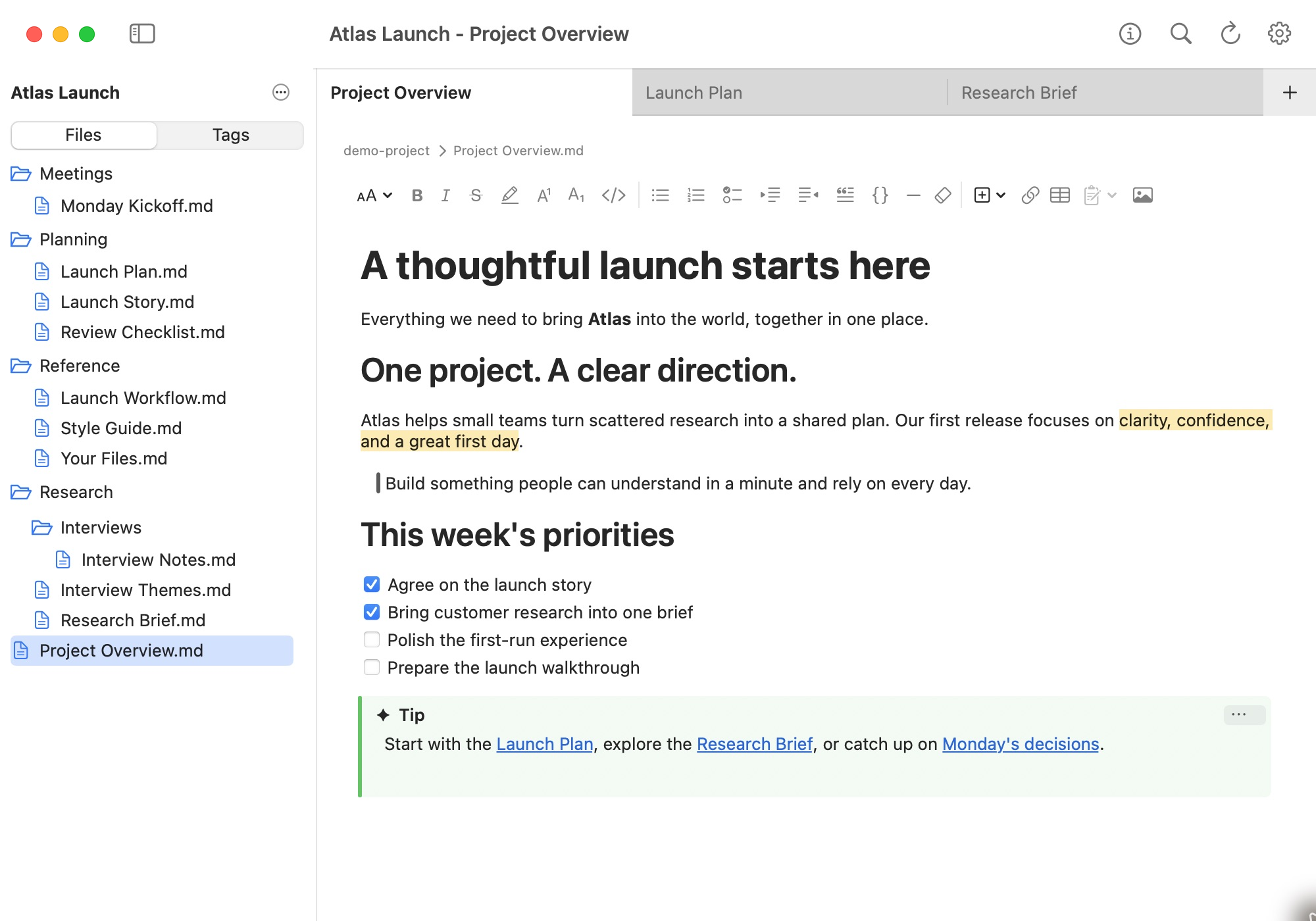
Give every note a place.
Organize your Markdown files in a familiar folder structure, with room for projects to grow.
View full size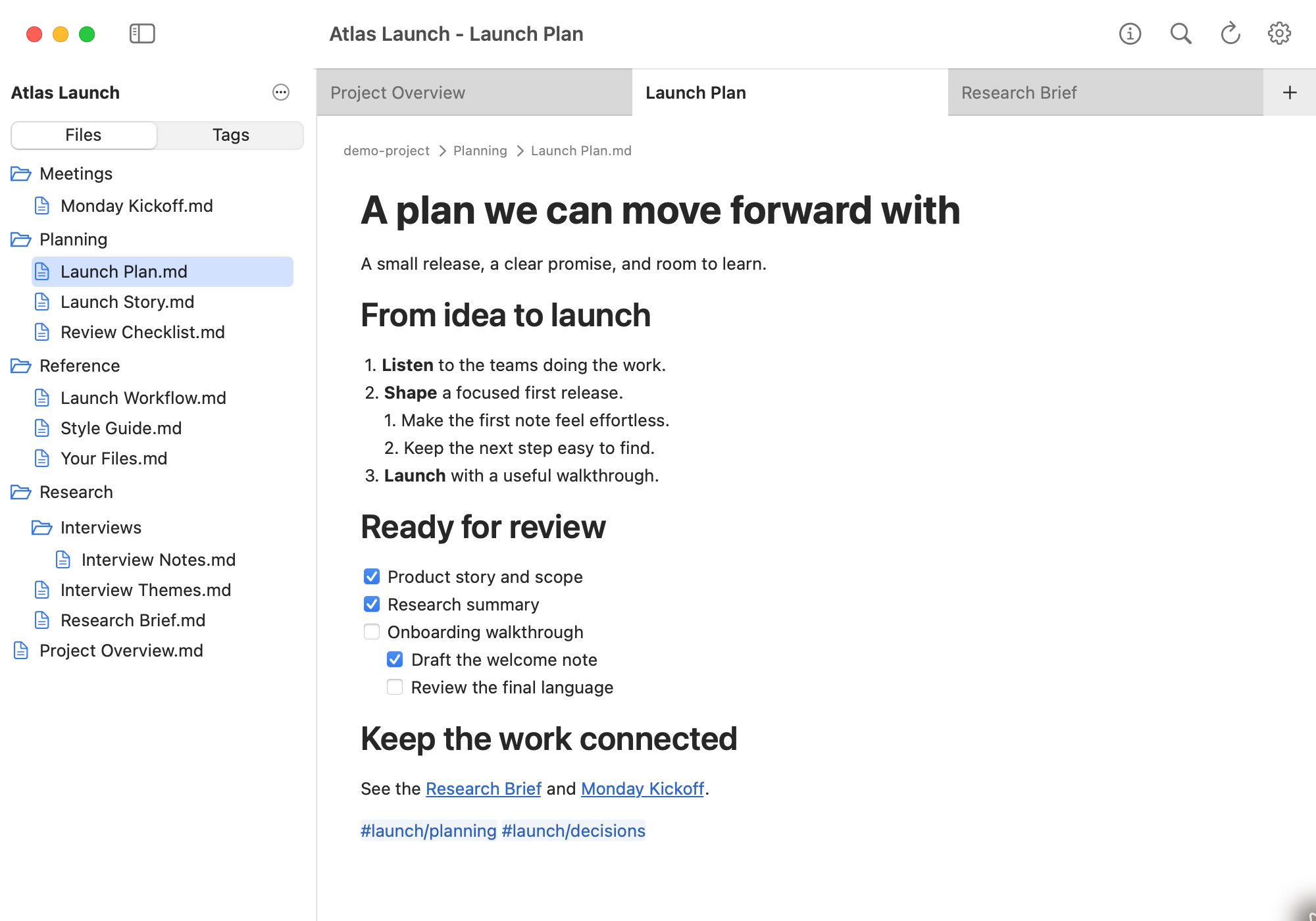
Connect ideas across folders.
Browse nested tags to bring related planning, research, and meeting notes into view.
View full size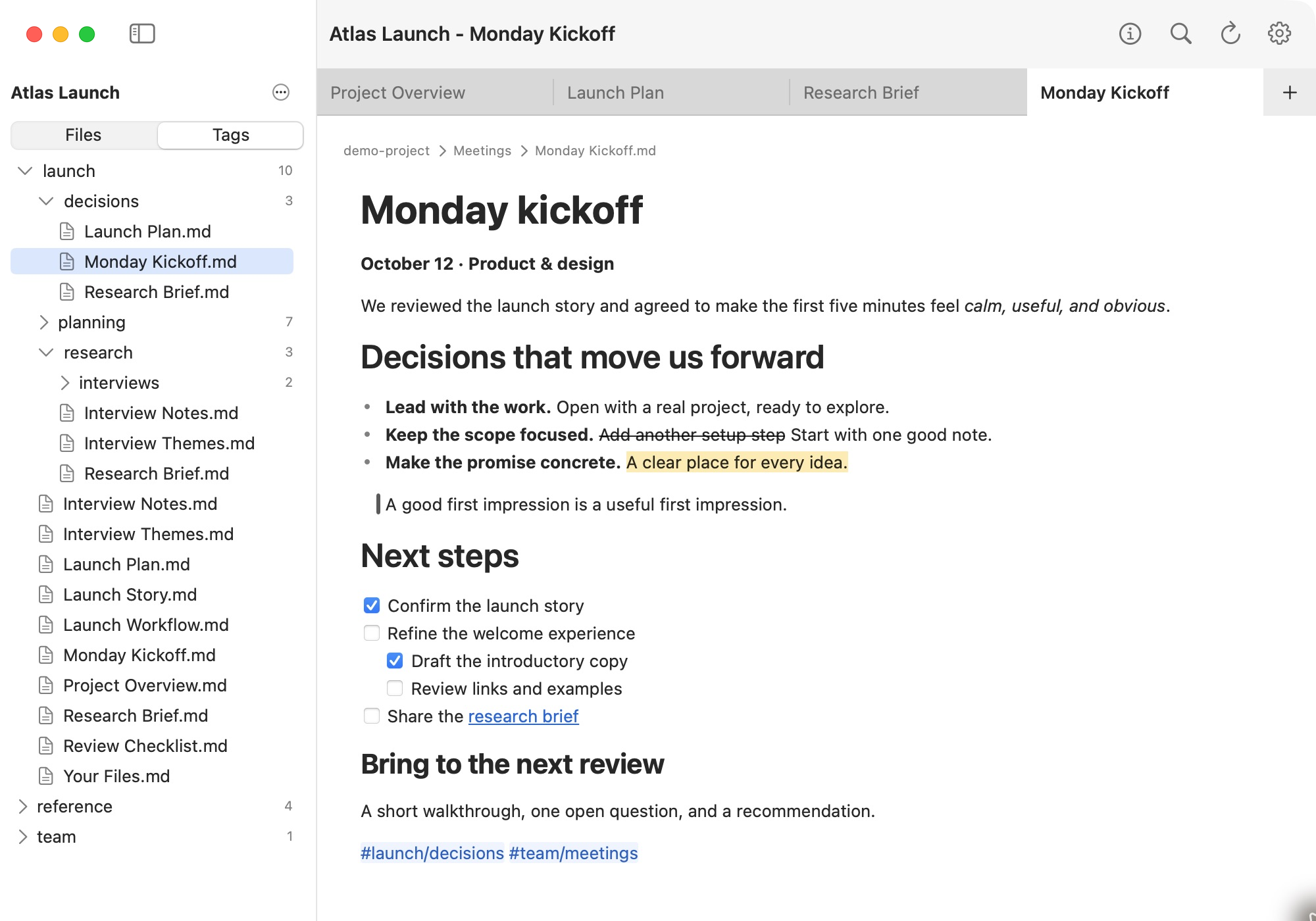
Make your notes easy to read.
Headings, emphasis, highlights, quotes, links, and nested checklists give everyday notes structure.
View full size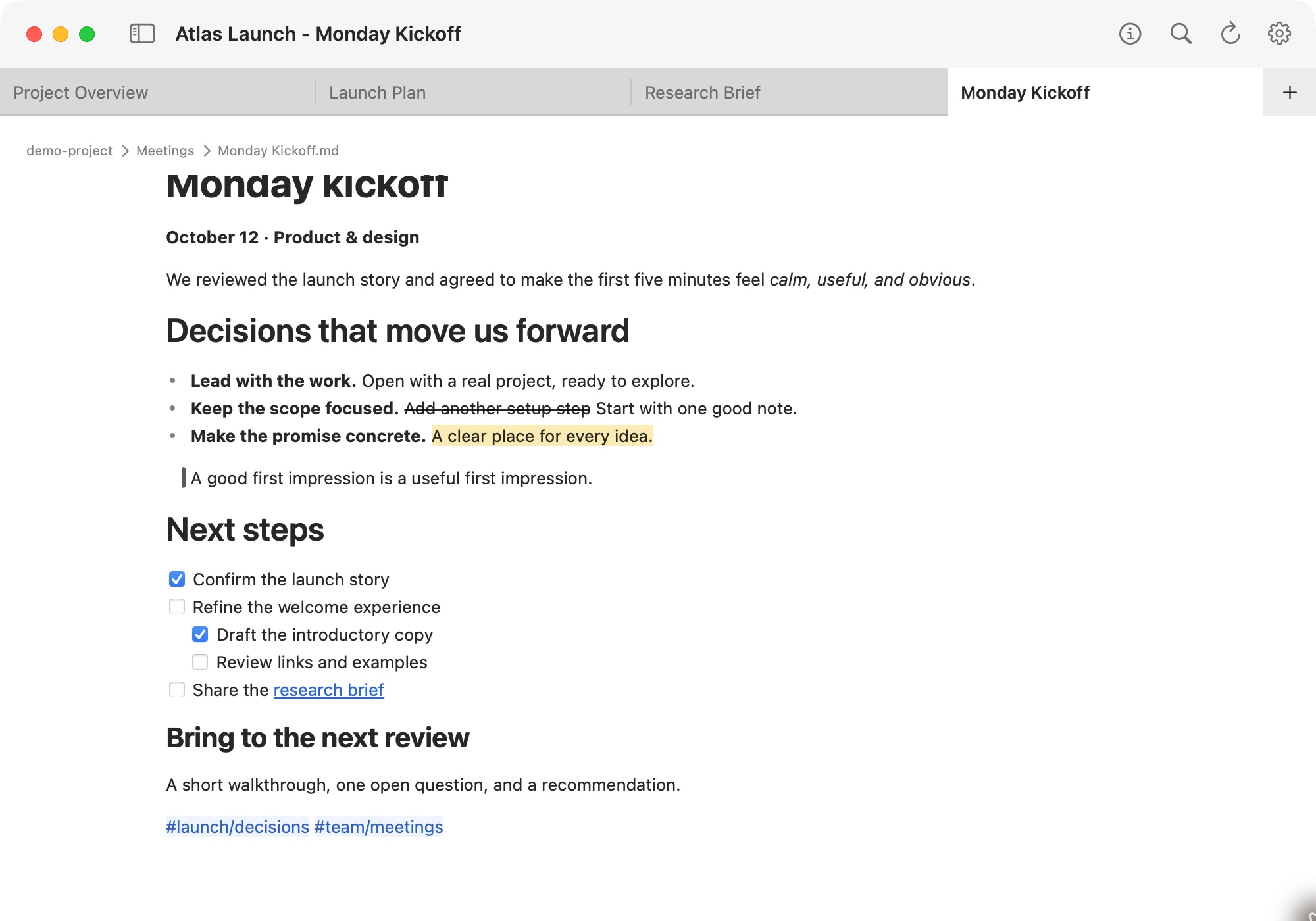
Bring detail into focus.
Make research readable with tables, callouts, definition lists, and footnotes.
View full size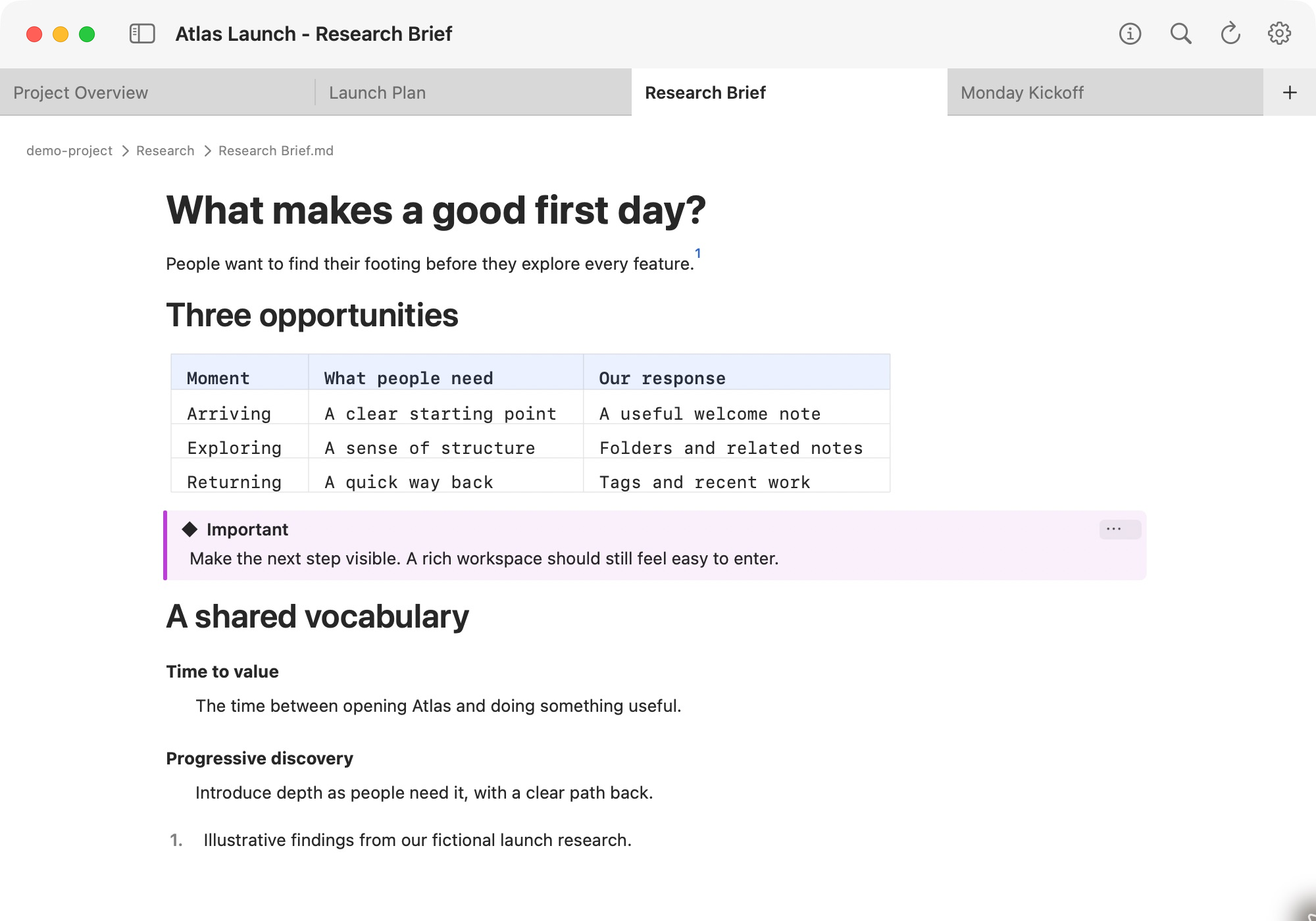
Explain how things work.
Keep syntax-colored code and rendered Mermaid diagrams alongside your thinking.
View full size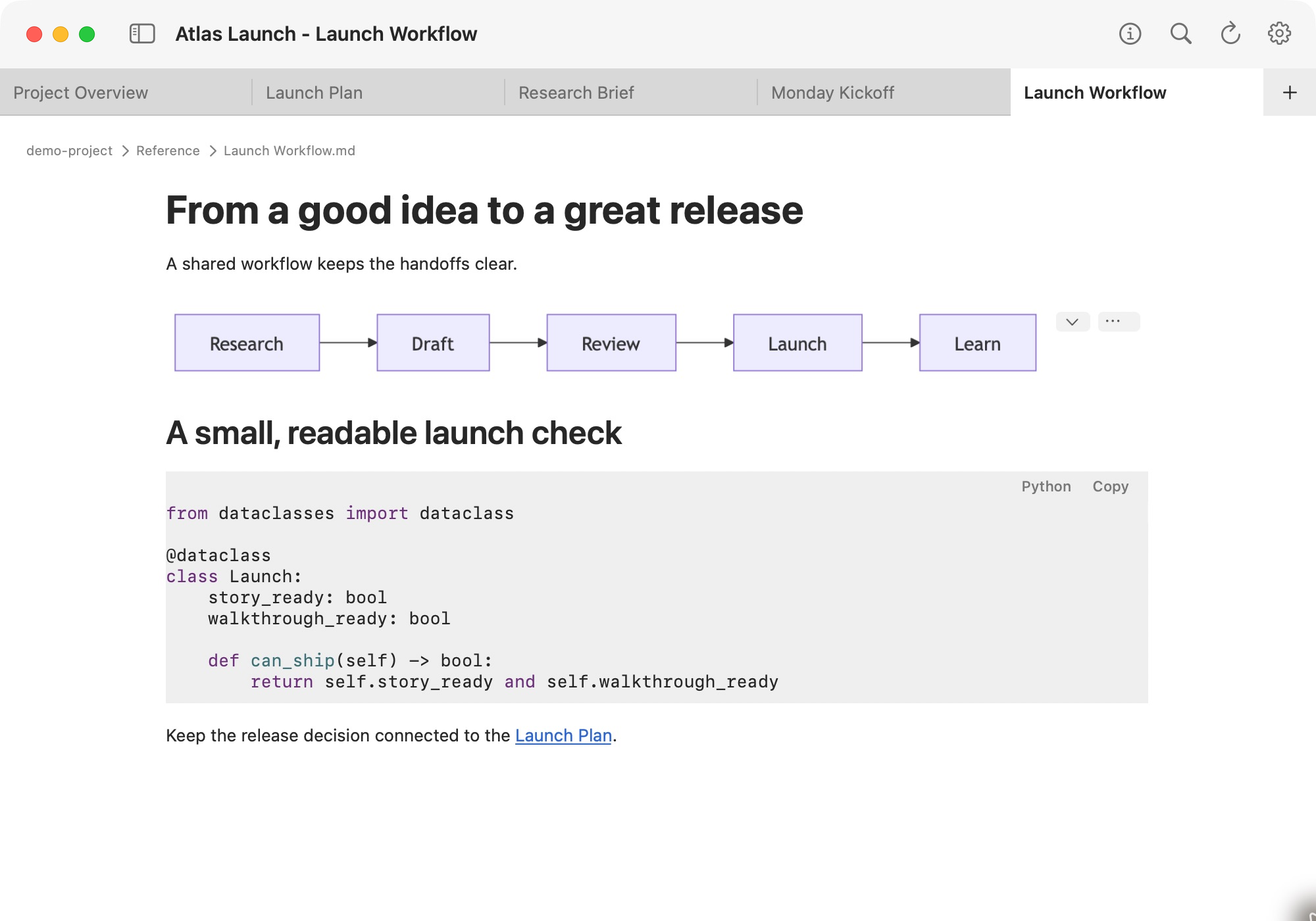
Room to think.
Distraction-free mode gives your writing a quiet, readable space.
View full size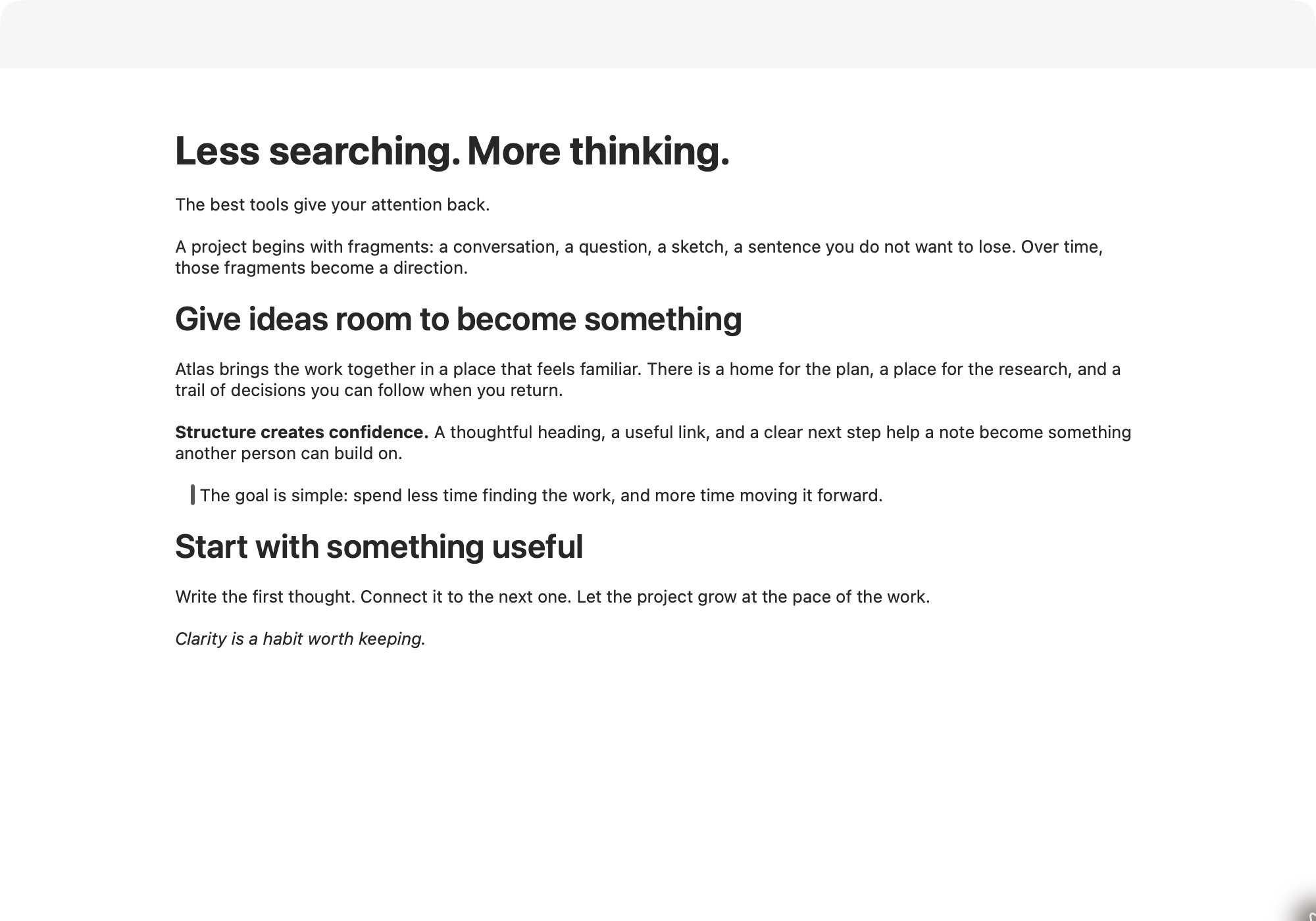
Your notes. Your folder.
Keep your Markdown files on an internal drive, external drive, or a service that mounts as a folder or drive. You choose where your work lives.
View full size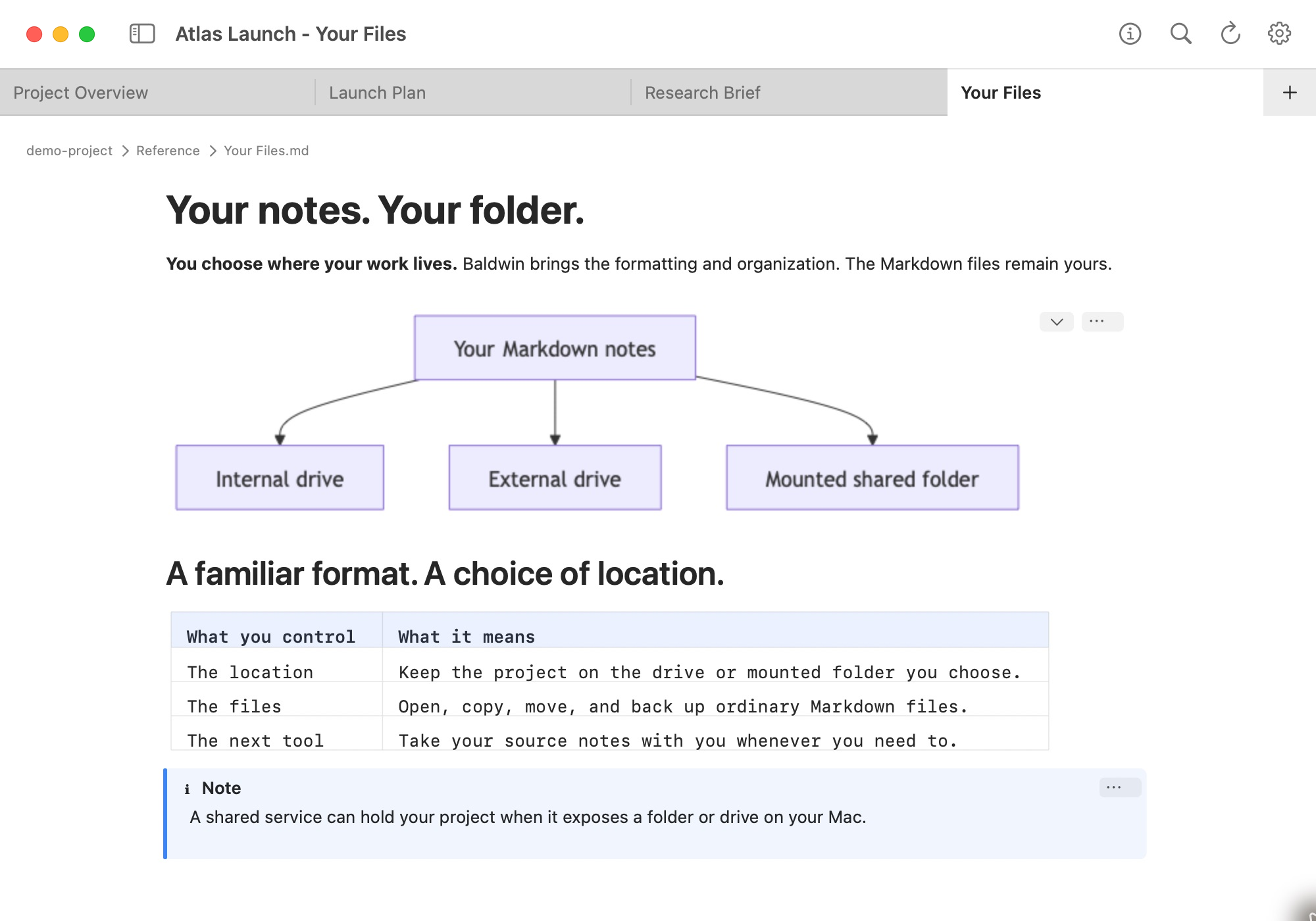
1 / 9
Coming soon
Baldwin is on its way. A launch link will be added here when it’s ready.